AI Bulin47

Gas Station Dance AI Video Generator

Make a Gas Station Dance AI video from three character photos. Recast the opening dancer, the selfie camera operator and the performer by the car, with the original sound.

Create a video
Gas Station Dance18s · Original soundtrack
@Image 1
@Image 2
@Image 3

By generating, you confirm you have rights to the photos and accept the use policy.

Open libraryLibrary

Three roles, one Gas Station Dance AI story

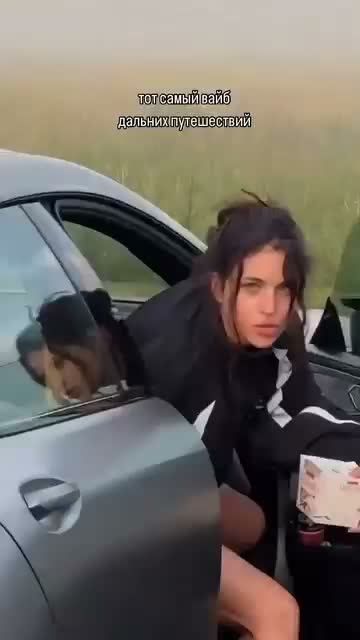
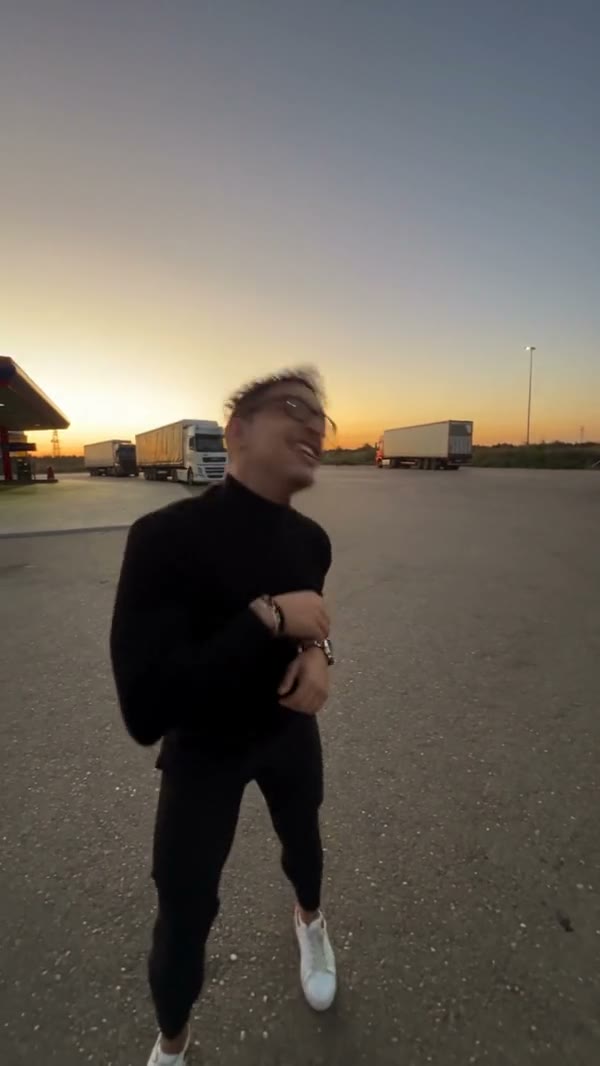
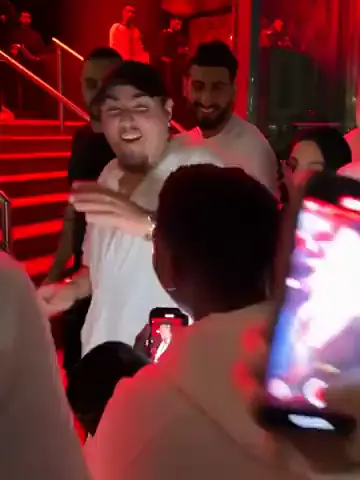
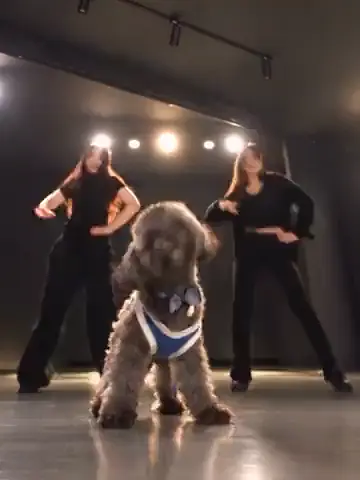
Gas Station Dance AI runs through a short forecourt performance with three separate character roles. Photo 1 becomes the opening dancer, Photo 2 the selfie camera operator, and Photo 3 the performer beside the car. The operator comes back at the end, so the same second image covers both appearances. You choose the cast; the loaded reference carries the action and camera sequence. Preview it before uploading to see how the roles connect and who belongs in each slot.

Cast your Gas Station Dance AI scene

  1. 01

    Cast your Gas Station Dance AI roles

    Pick three clear character photos and add them in the labeled order, one intended identity per role. Keep faces, hair and outfits readable so every part of the sequence has a useful appearance reference.

  2. 02

    Check roles, resolution and estimate

    Watch the reference again once your photos are assigned. Gas Station Dance AI comes with a prepared prompt and model. Open Settings for resolution and optional prompt controls, then check the credit estimate before generating.

  3. 03

    Follow all three characters in the result

    Open your finished Gas Station Dance AI clip in My creations. Check the opening dancer, the selfie, the performer by the car and the operator's return. Listen to the original sound and download the take whose full sequence you want.

Design a Gas Station Dance AI performance

Cast the opening Gas Station Dance AI dancer

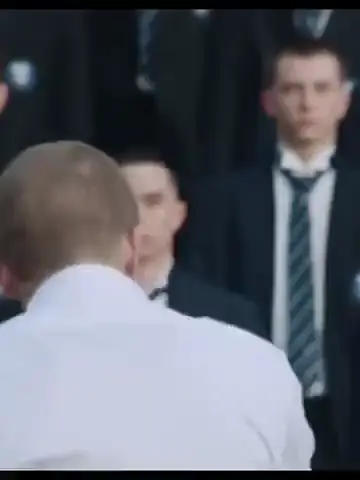
Photo 1 sets the look of the character who opens the clip. Gas Station Dance AI relies on it for face, hair, build and clothing while the loaded footage supplies the movement. A clearly framed person with a readable outfit makes the transformation easier to judge.

Decide on the first impression you want — casual, a coordinated costume or a distinct fictional character. Gas Station Dance AI does not need a picture of someone copying the dance; a sharp portrait with some body context beats a blurry action shot that matches one pose but hides the face.
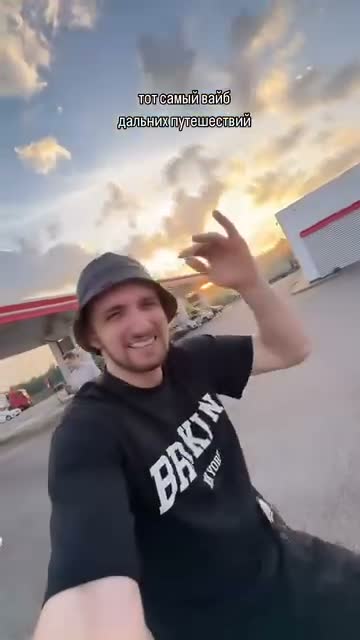
The returning Gas Station Dance AI selfie role

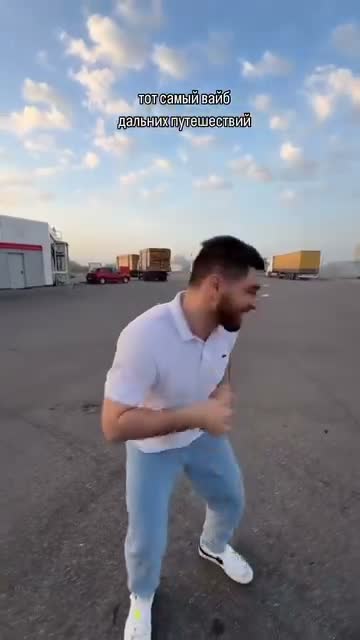
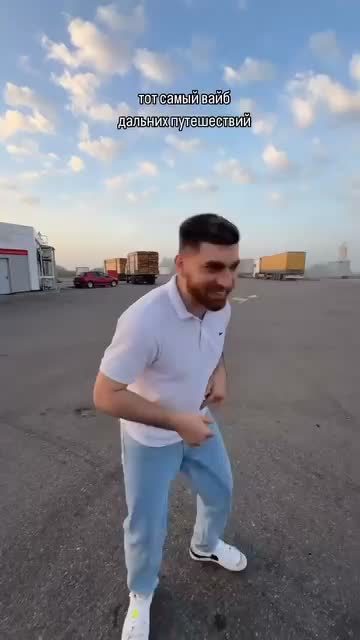
Photo 2 has a special job in Gas Station Dance AI: it defines the camera operator during the selfie and again when that person reappears near the end. Both appearances are one character, so there is no fourth slot for the closing shot.

Choose a reference with distinctive, visible features you can recognize in both views. When reviewing Gas Station Dance AI, compare face, hair and clothing across the two appearances — each shot can look fine alone while the operator's identity still drifts between them.

Cast the opening Gas Station Dance AI dancer

Give the car-side role its own character

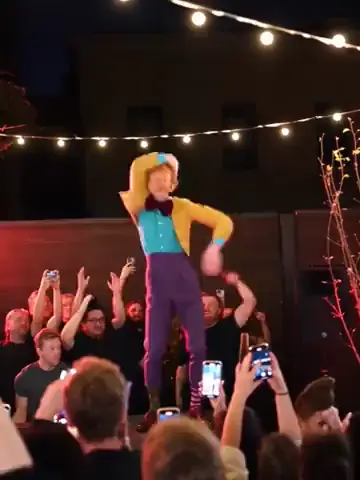
Photo 3 supplies the performer next to the car, a separate role from the opening dancer and the selfie operator in Gas Station Dance AI. Use an image with one clear subject rather than hoping the model picks the right face from a group shot.

Distinct looks help viewers follow the cast as the camera shifts focus. Gas Station Dance AI doesn't require matching outfits, so feel free to play with contrast — just keep the photos clear and the assignments deliberate. A three-person collage in slot one is no substitute for three labeled images.

The moving camera ties it together

Gas Station Dance AI is built around the source sequence, including how the camera travels from one role to the next. You don't film any transitions; the reference supplies shot timing, actions and changes of view while your photos define the new looks.

That makes the template ideal when this roaming forecourt scene is what you want. Gas Station Dance AI is less suited to ideas that need a new location or shot order — asking a custom prompt to rebuild the story can clash with the role assignments and weaken the continuity between them.

Give the car-side role its own character

Turn three portraits into a shared joke

Gas Station Dance AI brings a small cast into one recognizable performance without a coordinated shoot. Use photos of yourself and friends who agree, or authorized fictional characters, for a playful group intro, an outfit combo or a reaction clip for a private chat.

Pick a visual idea that works across all three roles — each character gets their own slot but still lives in the same source scene, so a coherent set of portraits reads better. Very different art styles or extreme proportions may be handled unevenly, so check the final movement and interactions before sharing.

Gas Station Dance AI with original sound

The audio from the loaded reference comes with the finished Gas Station Dance AI result, linking the opening action, the selfie and the car-side performance with no separate soundtrack upload. The model edits the picture; the reference supplies the sound.

It won't create new speech in your characters' voices. Gas Station Dance AI follows the source performance and exact mouth sync isn't guaranteed, so listen to the download as part of your review. You are responsible for permissions for the portraits and any footage or audio you distribute.

Turn three portraits into a shared joke

Fix the weakest reference first

With three images in play, one unclear reference can make a role noticeably weaker. Check every file for face visibility, sharpness and outfit detail before submitting — a strong Photo 1 won't rescue a dark or blocked Photo 2.

After an attempt, find the role that needs work. A better photo often helps more than higher resolution or a rewritten prompt. Gas Station Dance AI keeps the same assignments between requests, so you can swap just that input and compare. Each generation is a new request, so use the estimate to plan.

Gas Station Dance AI settings

Gas Station Dance AI starts with a model and prompt prepared for this reference. Settings shows the resolution options and an optional custom-prompt field. Keep the default prompt if you simply want three different people in the existing action.

If you do adjust it, keep Photo 1 for the opening dancer, Photo 2 for the operator in both appearances and Photo 3 for the car-side performer. There is no duration control — the loaded sequence sets the length. Review the roles and the current estimate before pressing Generate.

Fix the weakest reference first

Gas Station Dance AI: your questions answered

How many photos does Gas Station Dance AI need?

Three separate images, one per labeled role; the source performance is already loaded. Don't merge the three people into a collage — upload order decides which look belongs to which part of the scene.

What is the Gas Station Dance AI photo order?

Photo 1 is the opening dancer. Photo 2 is the selfie camera operator, including that person's return near the end. Photo 3 is the performer by the car. Check the labels before generating, especially after replacing a photo.

Why is the second photo used twice?

The source comes back to the camera operator later on, and both appearances should be the same character. Photo 2 supplies that identity throughout, so no extra image is needed for the closing view.

Can I use one person for all three roles?

The workflow is designed for three distinct identities. Reusing one face makes the role split less meaningful and harder to evaluate. For the intended setup, use three clearly identifiable references in the specified order.

Can Gas Station Dance AI change the location?

No — the reference supplies the forecourt, car, camera action and sequence; this tool only replaces the three characters. If a different setting is central to your idea, create a new scene in the AI Video Generator.

Does Gas Station Dance AI keep the original sound?

Yes, the finished edit includes the reference audio with no music upload needed. It doesn't synthesize voices for your people or grant rights to publish the soundtrack, so check permissions for your intended use.

How long is a Gas Station Dance AI video?

About 18 seconds, vertical, following the reference — opening, selfie and later views included. There's no duration picker for extra scenes, so preview the source to make sure its pacing suits you.

Do I need to write a Gas Station Dance AI prompt?

No, the prepared prompt already assigns the three images. Settings allows a custom prompt if needed; keep the role assignments and the repeated operator clear, and don't mix casting with an unrelated change to the choreography.

How do I check Gas Station Dance AI pricing?

The Generate button shows the estimate for your current request. Sign in and make sure you have enough credits before submitting. Plan examples may assume shorter videos or other models, so rely on this estimate.

Where is my finished Gas Station Dance AI video?

In My creations or your video history — open it to preview and download. Follow the task status while it runs, and check every role transition, the returning operator and the sound before sharing.

A new role in every scene

Choose your next AI trend

From solo performances to a full dance cast, find the scene for your next photo.

Cast your next Gas Station Dance AI video

Choose three looks, match them to the labeled roles and follow the camera through the scene. The source performance is ready whenever your cast is.

Try Gas Station Dance AI